VenueWiki's new look, built for AV crew
The VenueWiki new website went live this morning, and I'm a bit chuffed with it. Same venue field manual for AV crew, same Calendar Sync, but I've rebuilt the whole front of house so it's easier to get around, easier to read on your phone in the dock, and easier to share with crew who haven't found VenueWiki yet.
Why I rebuilt it
I'm a venue tech. I've spent years in AV walking into rooms cold with a six-PDF spec pack, a group chat and a DSP password nobody wrote down, and VenueWiki is me writing all of that down so the next person doesn't have to guess. If you want the back story, here's where it started.
The old 3D foyer was cool, I'll give it that, but it was slow, hard to get around and heavy on phones. The people reading it are mostly freelance AV techs on a phone at 6am, somewhere between the park and the push, so I wanted it easier to navigate and easier to read. The other reason is marketing: I want VenueWiki in front of more crew, and a site that's quick and simple to share does a lot of that work. So I pulled it apart and built it again, the way you'd re-terminate a tired patch bay: same signal, fewer gremlins.
A new stage to walk around
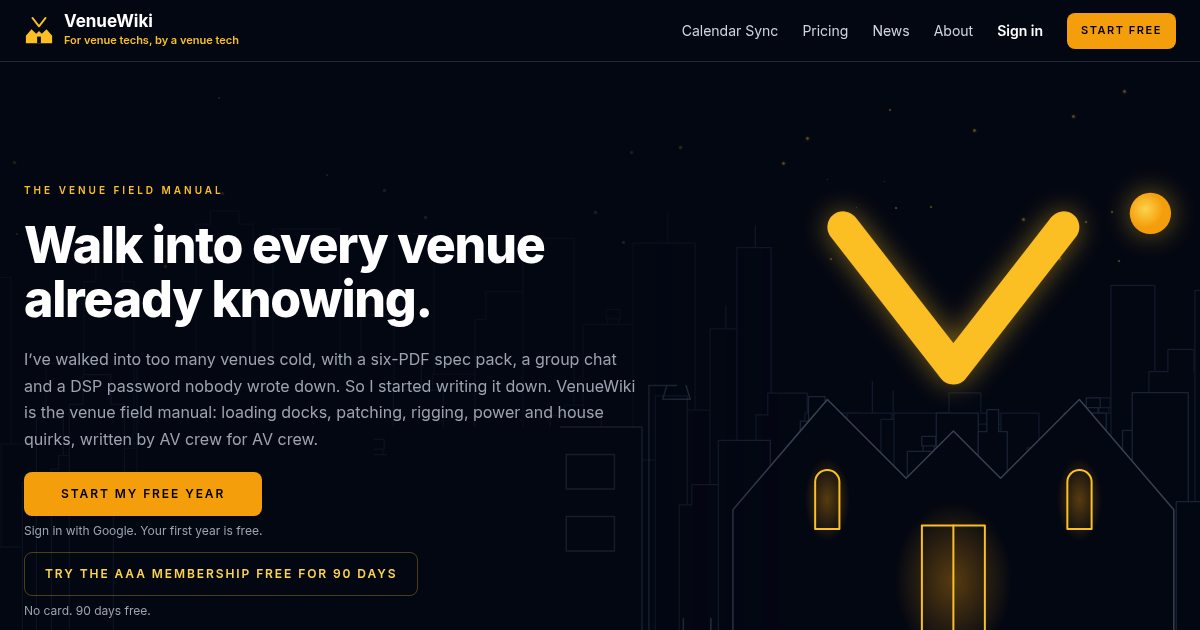
The home page is now a walk through a venue after dark. You start on the street with the moon up over the skyline and a big glowing V where the venue sign should be. Scroll down and each scene draws itself on in thin lines, a bit like a plot coming together on the production desk: the stage door and loading dock, the foyer, the bar, the stage and the grid, then the box office.
The loading dock is my favourite. There's a tour truck backed in, a skip by the roller door and that particular quiet you only hear after a bump out. The same dock sits at the top of the about page, where somebody has binned a Bose 802 (we've all wanted to). Keep an eye on the bins down there. There's a regular at that dock who never signs the run sheet, never stays for a chat and always heads straight for the skip. Some of the crew are faster than others.
Under the drawings the job hasn't changed. Every room still carries its Sydney venue tech specs, patching notes, power and loading dock details, written by the crew who've actually worked it. The scenes are just a nicer way in.
Calendar Sync, one page per roster app
Crew calendar sync now has its own page for each roster app, so you can head straight to the one your company uses and skip the rest:
- Rentman calendar sync: your Rentman shifts on your own calendar.
- Deputy calendar sync: Deputy shifts in, no more checking the app.
- Humanity calendar sync: Humanity rosters alongside everything else.
- Connecteam calendar sync: Connecteam shifts where you'll actually see them.
- When I Work calendar sync: on its way, with a page ready for when it lands.
If you work for three companies on three different apps, that's the whole point of AV crew calendar sync: every gig in one place. The story of how it began is in the Calendar Sync launch post.
The bar: news on the shelf
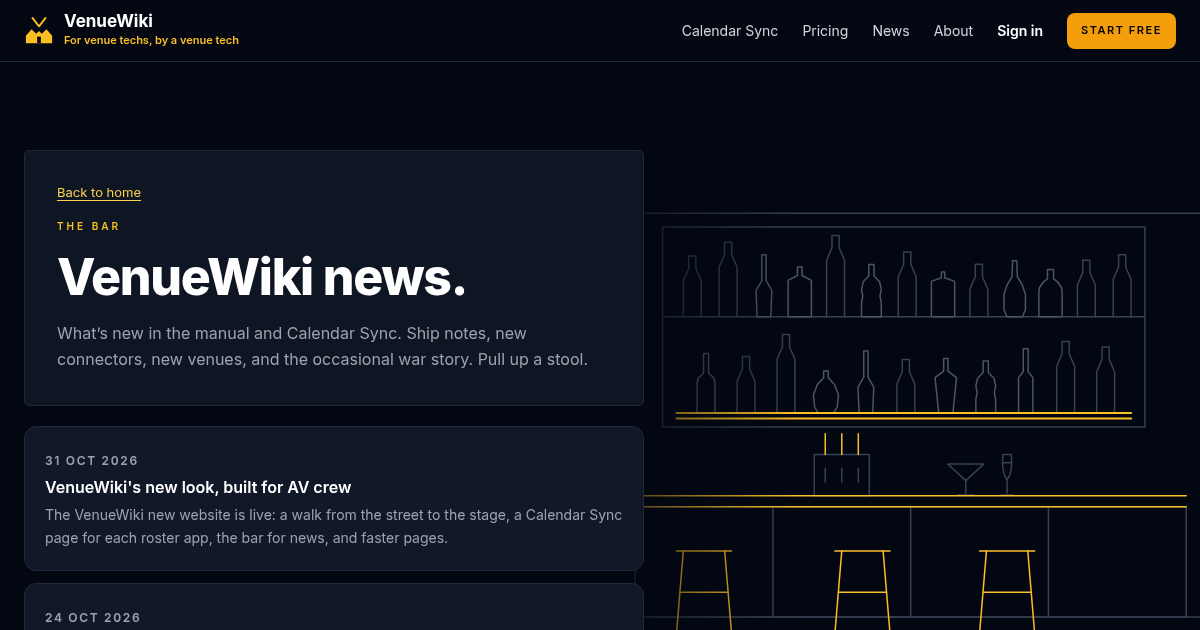
The blog is now the bar. Every post is a bottle on the shelf, labelled and lined up with the newest at the front. Pick one and it fills up amber while you read. It's the closest I could get to a knock-off drink with the crew after the show, without anyone having to shout a round.
It's where I'll post what's new, what's changed and the odd yarn from the dock. Grab one next time you're stuck waiting on a goods lift.
Faster pages
The new pages are faster, especially on a phone with one bar of reception behind a roller door. Less waiting, more reading. The header and footer are the same on every page now too, so Calendar Sync, Pricing, News and About are always in the same spot wherever you land.
I haven't put a stopwatch on it for this post, so no numbers. You'll feel it the first time you look up a dock height at 5:45am.
What's next
More venues, more rooms and more scenes as the manual grows. I want VenueWiki to be the first place anyone in audio visual checks before a load in, and that only happens if the people who know the rooms keep writing them down.
Member benefits. I'm lining up member deals on the gear AV techs actually carry: mics, headphones, DIs, converters, tools and cases, at near cost. They come with the AAA Membership once you've paid, not during the free trial, and they aren't part of the $11 crew membership. The first deals are still on the way, and I'll post here when they land.
VenueTimer. VenueTimer is my stage timer app for events, as a web app plus Mac and Windows downloads. It's only included with the AAA Membership. To be straight with you, it's in its very first build and hasn't been tested yet, so it's not ready for a show. I'm building it out properly prior to launch - with any luck.
If you haven't signed up yet, have a look at pricing. Crew membership comes with your first year free, and the best way to start is adding the venue you know better than anyone.
See you at the dock. Mind the skip on your way out, it's busier than it looks.
Swipe, tap a bottle on the shelf, or use the arrow keys to move along the shelf.